PRODUCT REGISTRATION
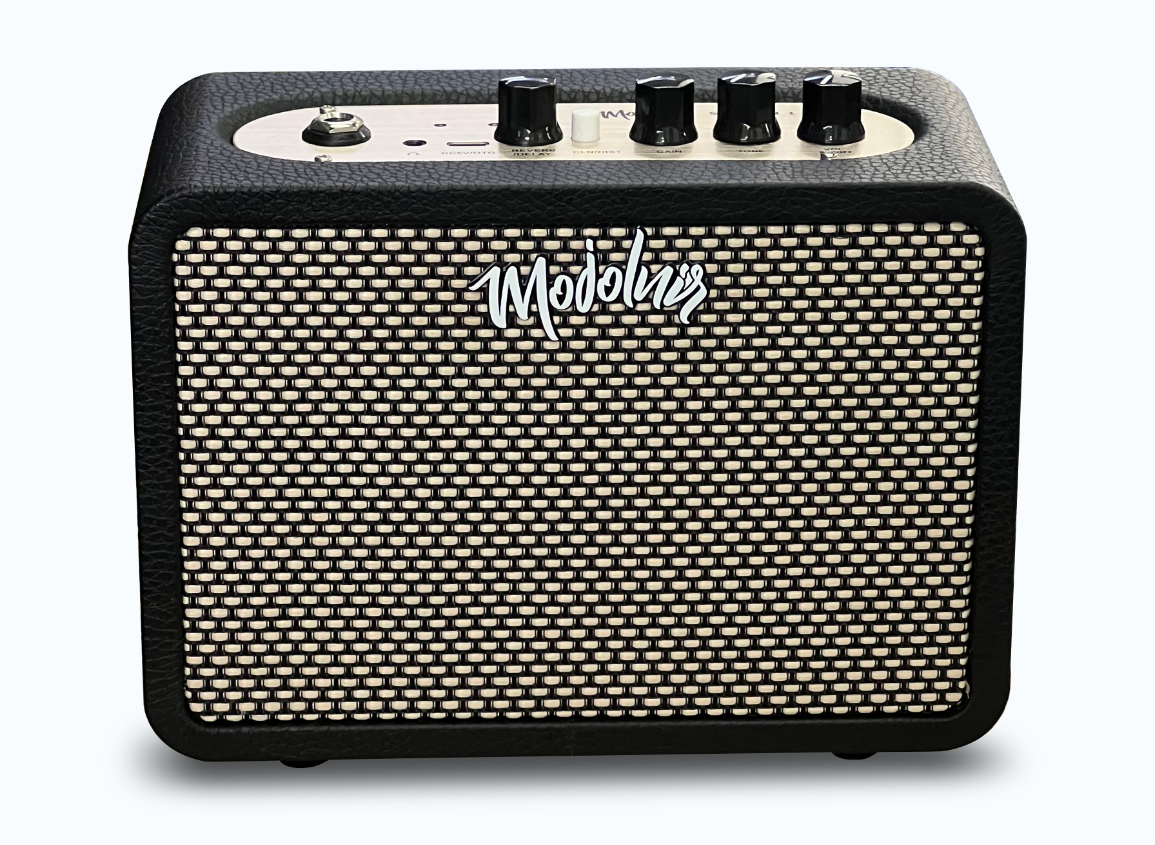
Register your Session 1.
Email and Amazon order number are required. If you scanned a unit-specific QR code, the serial number is filled automatically.
 Contact Support
Register your amplifier, keep your warranty record connected, and access the manual and support resources from one place.
Email and Amazon order number are required. If you scanned a unit-specific QR code, the serial number is filled automatically.
Most setup questions can be checked in under two minutes.
Confirm power is on, volume is raised, your instrument cable is fully connected, and headphones are not inserted.
Use a certified DC 5V / 2A source. The charging indicator is red while charging and turns off when complete.
A flashing blue indicator means the amplifier is waiting for a connection; steady blue means it is connected.
Email sonbo@mojolnir.com with your order details, SN, and supporting photos or video.
Only the information you are most likely to need after unboxing.
Use the CLEAN / DISTORTION switch. Button released selects CLEAN; button pressed selects DISTORTION. The red distortion indicator follows the switch position.
Turn the REVERB / DELAY control clockwise for more ambience and counterclockwise for less.
With a compatible OTG data cable, Session 1 can connect to a supported phone or computer for recording or live use.
Charging input is DC 5V / 2A. Typical charging time is approximately 3-4 hours, with up to 5 hours of continuous use depending on conditions.